Christmas Fonts for Cricut: 8 Fonts & Alphabets That Cut Clean
This post contains affiliate links. If you buy or subscribe through them, I may earn a small commission at no extra cost to you. More about that.
A font that looks beautiful on screen can be a nightmare to cut. Thin hairlines tear, script letters fall apart into separate pieces, and tiny swashes are impossible to weed. So when I pick Christmas fonts for Cricut, I look at different things than for Canva: stroke thickness, whether letters connect, and what format the files come in.
This list has three kinds of files, because they work differently in Cricut Design Space:
- Installable fonts (OTF/TTF): you install them on your computer and type with them.
- SVG alphabets: every letter is a separate cut file you upload as an image.
- Single-line designs: drawn with one line, for pens, the Foil Transfer tool or engraving.
Which file for which project
| Font / file | Type | Best for |
|---|---|---|
| Christmas Bright (Crafting Font) | installable, bubbly | kids’ shirts, ornaments |
| Welcome Christmas | installable serif | signs, mugs, elegant decals |
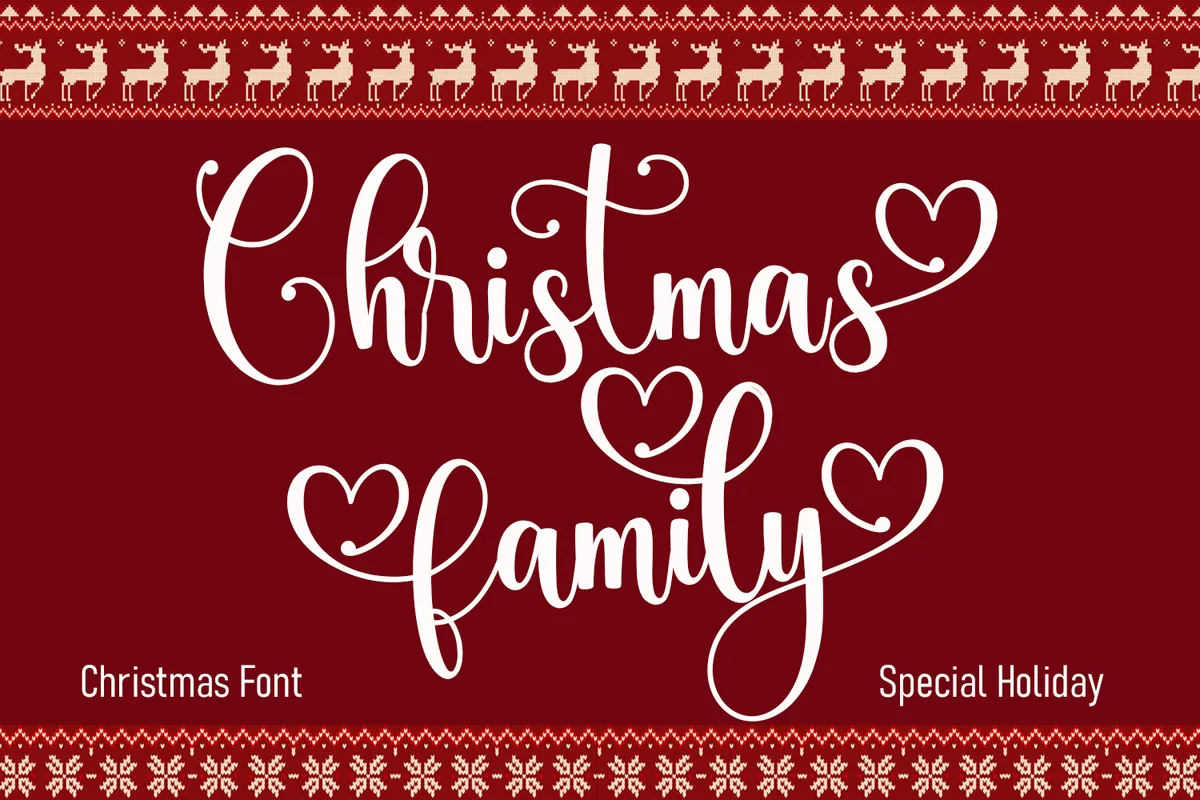
| Christmas Family | installable script | names on stockings and ornaments |
| Christmas (QueenCraft) | installable script | cards, gift tags |
| Snowcap SVG Alphabet | SVG letters & numbers | layered vinyl, shirts |
| Dripping Christmas Alphabet | SVG letters & numbers | bold shirts, tumblers |
| Christmas Split Monograms | SVG A–Z | door signs, ornaments, pillows |
| Single Line Christmas Designs | single-line SVG | foil cards, pen drawing |
1. Christmas Bright (Christmas Font, Crafting Font)
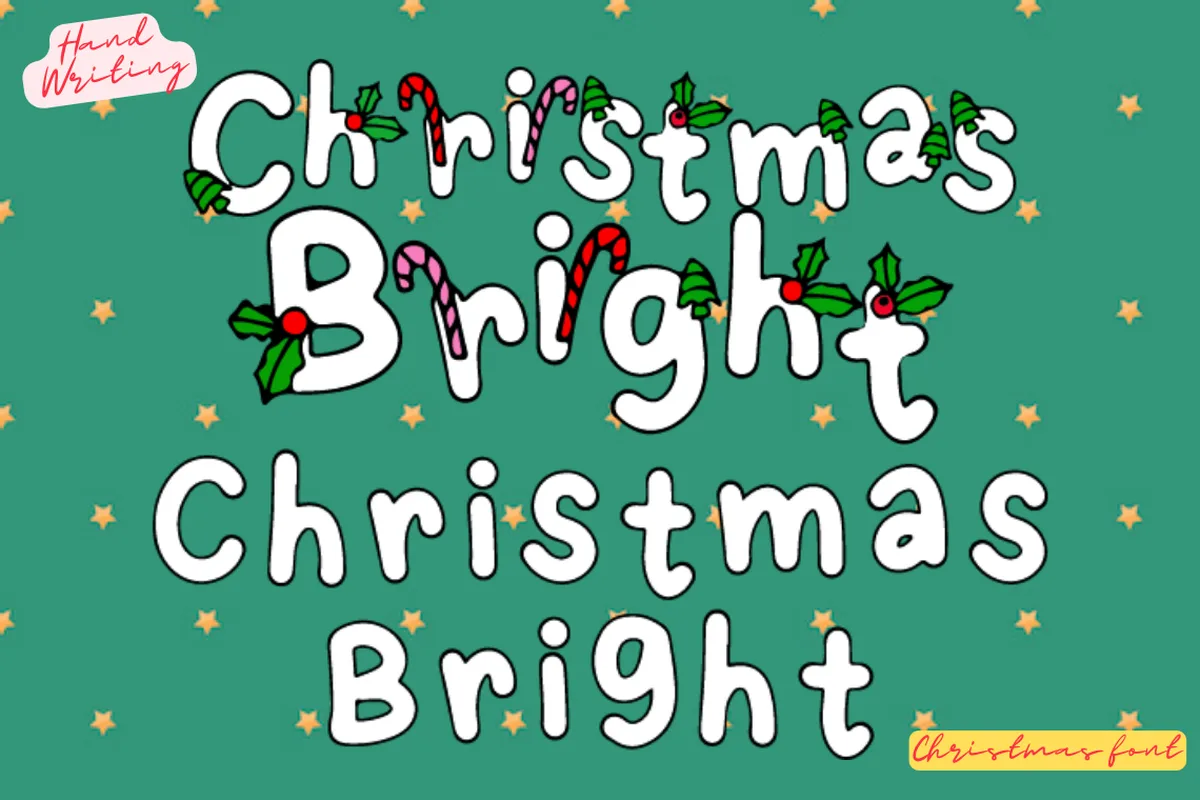
Installable fontOTFCommercial & POD use
The look: a bubbly, hand-lettered font. In the preview the letters are decorated with candy canes and holly.
Why it’s good for Cricut: the designer says it clearly: this is an installable font, fully compatible with Cricut Design Space, not an SVG alphabet. The thick, rounded letters are easy to cut and weed, even small.
Best for: kids’ Christmas shirts, name ornaments, classroom gifts.
2. Welcome Christmas
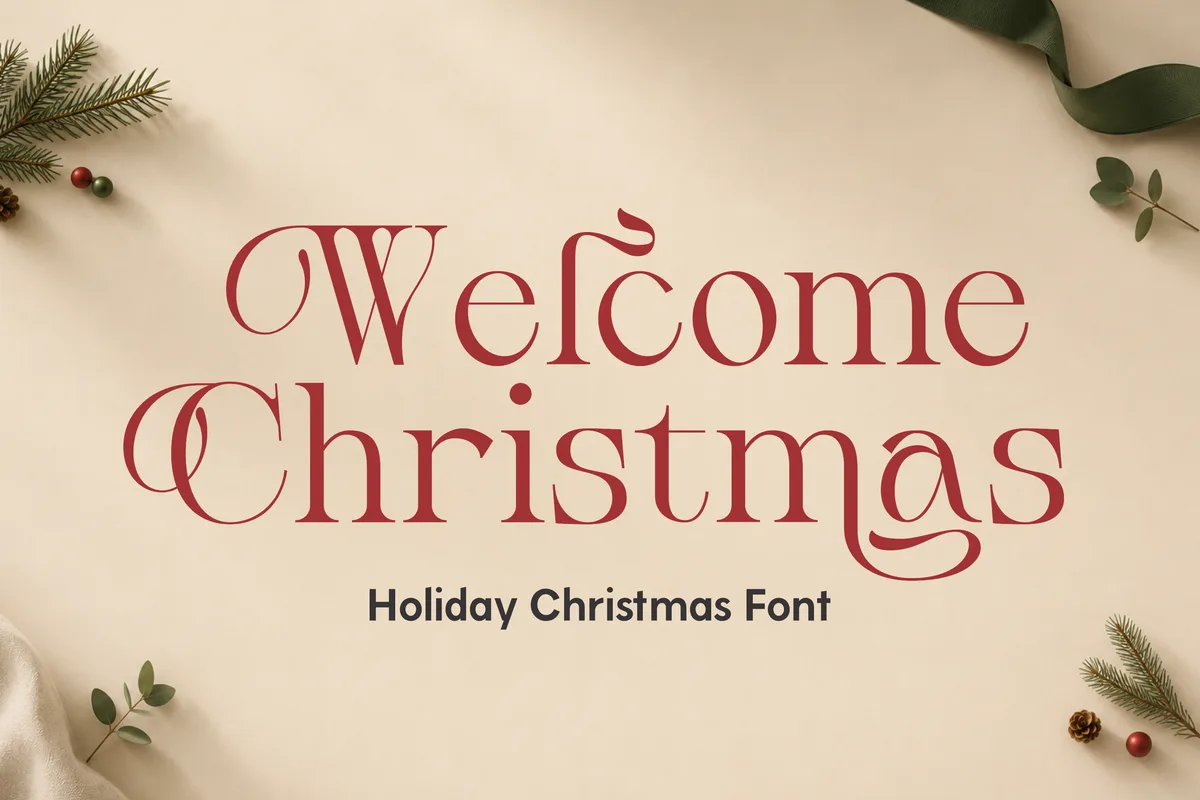
OTF · TTF · WOFFPUA encodedMultilingualCommercial & POD use
The look: an elegant holiday serif with decorative curls on some letters.
Why it’s good for Cricut: a serif doesn’t need welding: letters are already separate. Choose the plain letters for vinyl and save the curly alternates (PUA encoded) for bigger sizes where they’re easy to weed.
Best for: wooden signs (“Welcome Christmas” on a porch sign is the obvious one), mugs and elegant wall decals.
3. Christmas Family
ScriptAlternates & swashesPUA encodedCommercial use
The look: a celebratory script with heart-shaped swashes and connections, plus many alternate characters.
Why it’s good for Cricut: the designer mentions Cricut and embroidery projects. It’s a script, so remember to close the letter spacing and Weld before cutting (see the tips below).
Best for: names on stockings, family ornaments and “The [Name] Family” signs. The heart swashes are perfect for a first-Christmas ornament.
4. Christmas (QueenCraft)
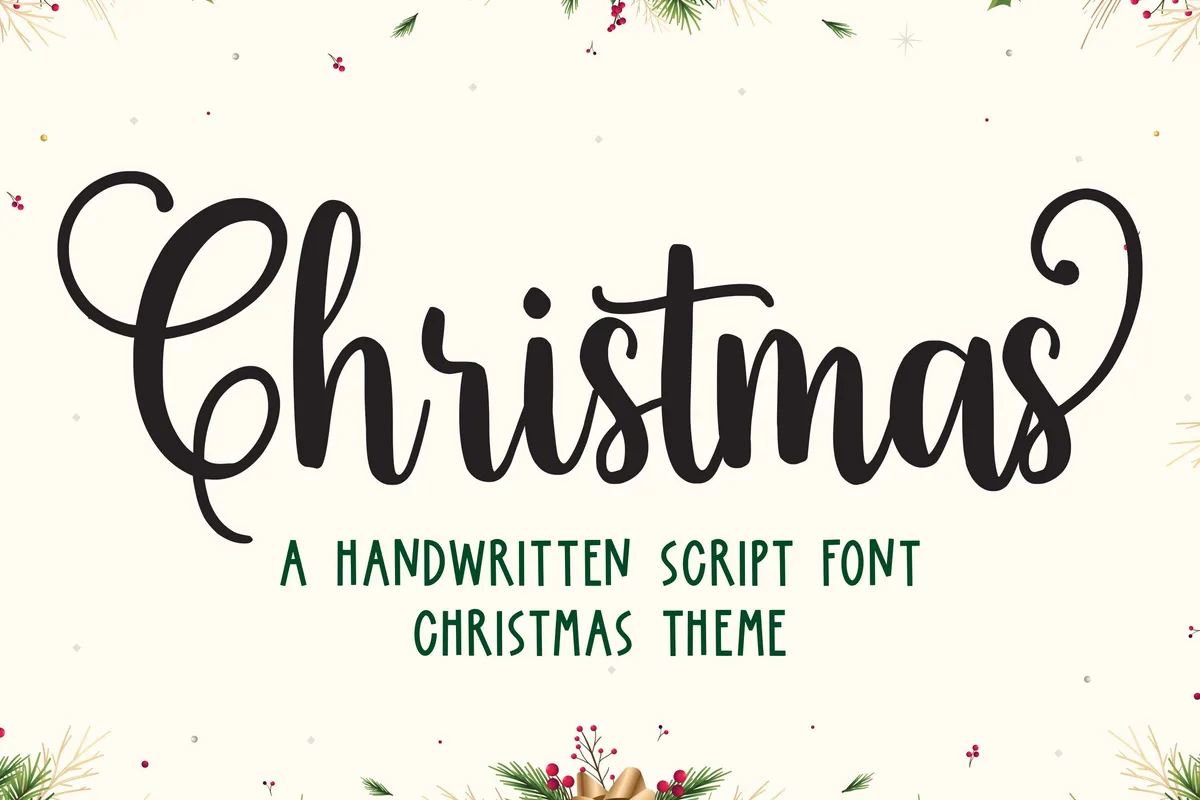
Handwritten scriptPUA encodedCricut compatibleCommercial use
The look: a sweet, delicate handwritten script with long tails on some letters.
Why it’s good for Cricut: the listing says it’s Cricut compatible, and the glyphs and ligatures are PUA encoded, so you can reach the extra characters in Design Space with a character map.
Best for: cards and gift tags. The strokes are thinner than in Christmas Family, so cut it at medium to large sizes, or use it with a pen.
5. Snowcap SVG Alphabet
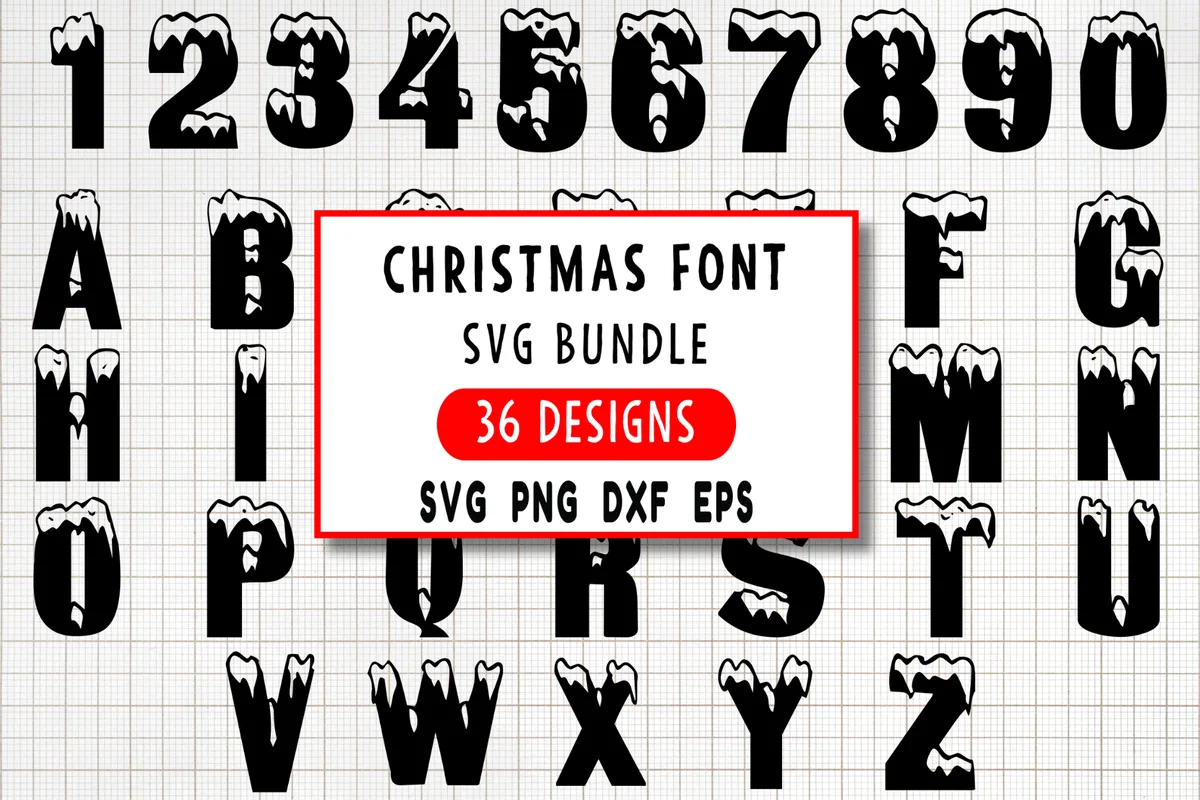
36 designsSVG · PNG · DXF · EPSGrouped by colorCommercial use
The look: bold block letters and numbers with snow on top: A–Z and 0–9.
Why it’s good for Cricut: these are cut files, not a font. The designer says they’re made for clean cuts and grouped by color, so the snow caps and letters can be cut in two vinyl colors and layered.
Best for: Christmas shirts, “Let it snow” signs, mugs and numbers for Advent calendars.
6. Dripping Christmas Alphabet
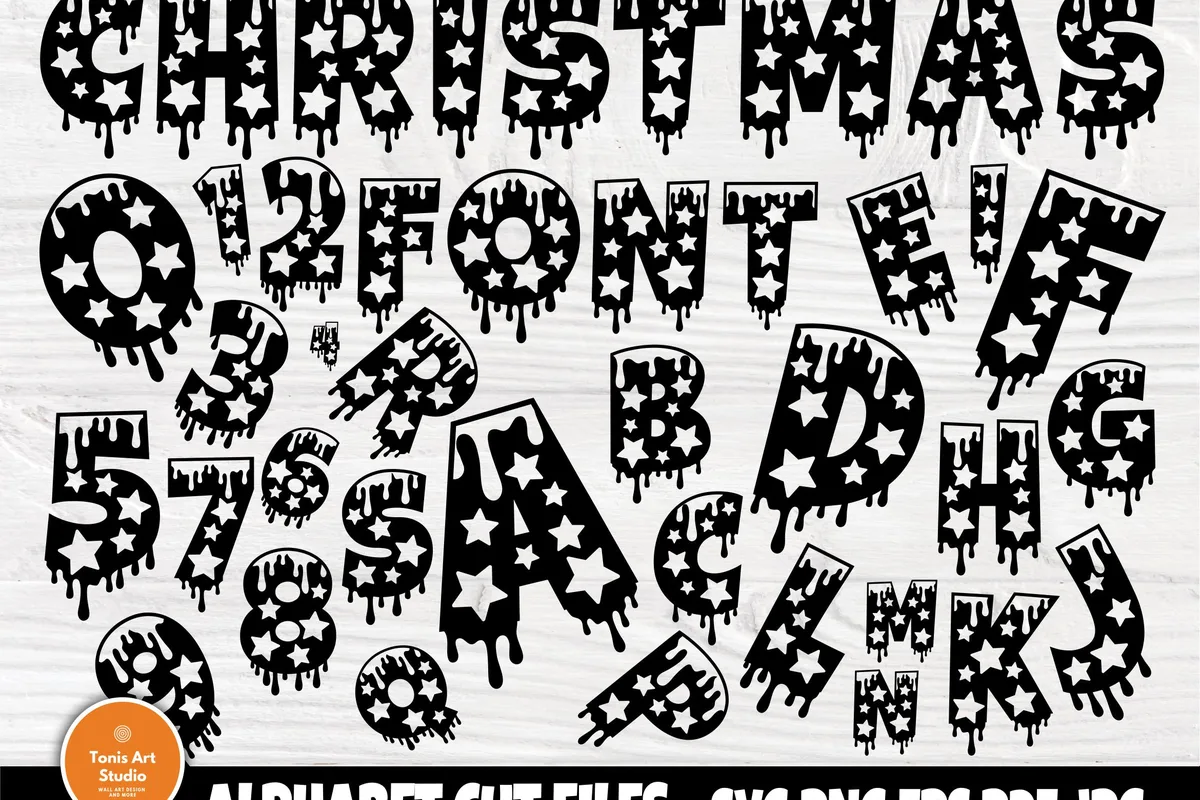
36 filesSVG · PNG · EPS · PDF · JPGCommercial use
The look: heavy letters and numbers with a dripping top edge and star cut-outs.
Why it’s good for Cricut: big, bold shapes that are quick to weed. Note that this is a set of cut files, not an installable font, and the designer asks you to check that the file types work with your machine before buying.
Best for: bold Christmas shirts, tumblers and party signs.
7. Christmas Split Monograms A–Z
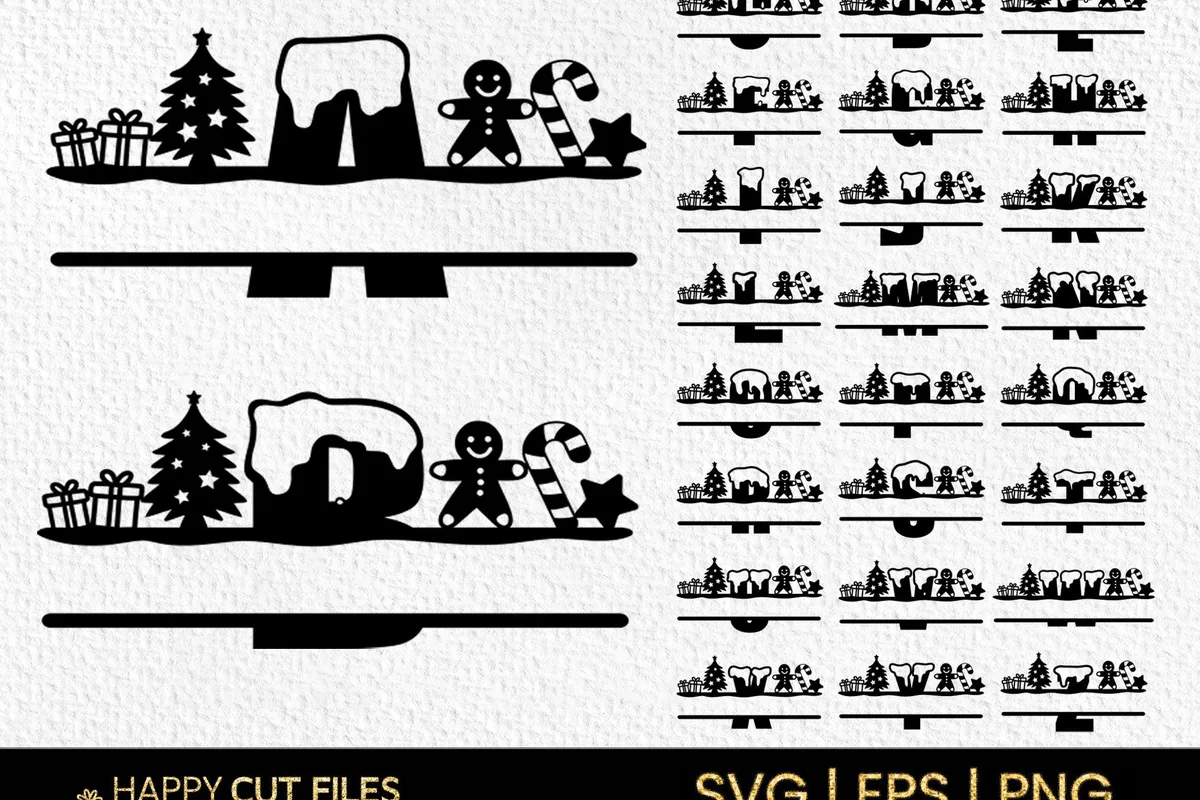
A–ZSVG · EPS · PNGCommercial use
The look: split letters with a gap in the middle for a name, topped with little Christmas scenes: trees, gingerbread men, gifts and candy canes.
Why it’s good for Cricut: add a name in the gap with any font, then Attach or Weld it to the monogram so it cuts in one piece. The listing mentions laser cutting too.
Best for: door signs, wooden ornaments, pillow covers and personalized gift bags.
8. Single Line Christmas Designs (for foil and pens)
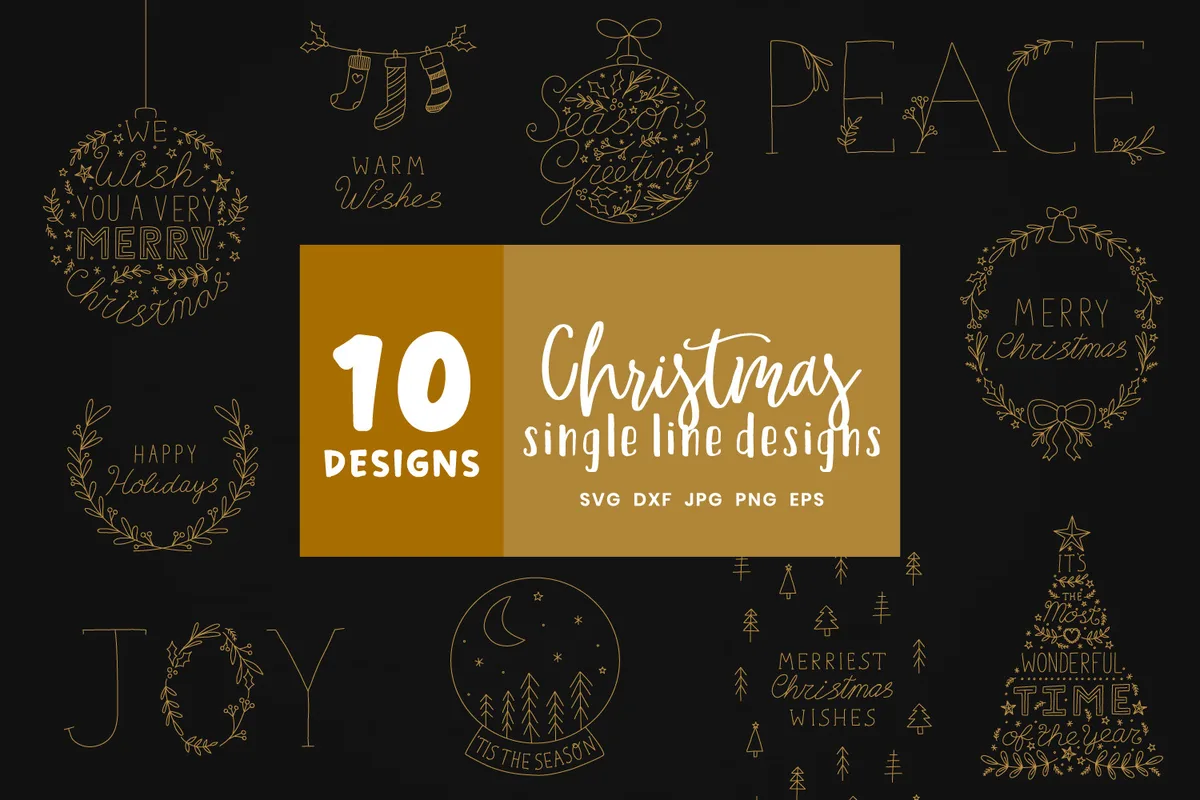
10 designsSVG · DXF · PNG · EPS · JPGSingle lineCommercial use
What’s inside: 10 single-line Christmas designs with phrases like “Happy Holidays”, “Wish You a Very Merry Christmas” and “Warm Wishes”, plus wreaths and ornaments.
Why it’s good for Cricut: single-line files are drawn, not cut. The designer lists Cricut Foil Transfer, Foil Quill, embossing, sketch pens and engraving. The line thickness depends on the pen or foil tip you use.
Best for: foiled Christmas cards and tags. Gold foil on dark green or burgundy card stock looks expensive.
How to use these fonts in Cricut Design Space
Installable fonts (1–4):
- Download the font, unzip it and install the .otf or .ttf file on your computer (double-click → Install).
- Restart Design Space. The font appears in the font list under System fonts.
- For scripts, reduce the letter spacing until the letters touch, then select the text and Weld it. Without welding, every letter cuts as a separate piece.
- To use extra swashes (PUA characters), copy them from your computer’s character map (Character Map on Windows, Font Book on Mac) and paste them into the text box.
SVG alphabets (5–7):
- Upload → Upload Image and choose the SVG file.
- Select the design and click Ungroup to separate the letters or color layers.
- Arrange the letters you need, delete the rest, then Attach them so they keep their position on the mat.
Single-line designs (8):
- Upload the SVG, select it and change the operation from Basic Cut to Pen (or Foil if you use the Foil Transfer tool).
- Do a test on scrap card stock first: pressure and tip size change the look a lot.
Cutting tips for Christmas lettering
- Minimum size: for most scripts on vinyl, stay above about 1 in (2.5 cm) letter height. Smaller, thin strokes tear while weeding.
- Glitter and holographic vinyl are harder to weed: choose bold fonts (1, 5, 6) for them.
- For shirts, remember to mirror the design for heat transfer vinyl.
Clipart to go with these fonts
For printed projects next to your Cricut lettering, these are my own clipart sets (not affiliate links):
- Cozy Winter Wonderland: 23 PNG of Scandinavian-style winter animals and mittens, great with the Snowcap alphabet.
- Vintage Christmas Storybook: 22 PNG in a 1950s storybook style.
- Midnight New Year’s Eve: 22 PNG for New Year’s Eve party decor.
A quick note on how to get these fonts
All eight are on Creative Fabrica, and they’re all part of the All Access subscription. When I wrote this (November 2026), there was a free trial: it needs a card and renews into a paid plan unless you cancel, so check the current terms before you sign up. Each product page shows the licence; check it before selling what you make.
Designing in Canva instead? See my Christmas fonts for Canva and 8 free Christmas fonts. For clipart, try Christmas gnome clipart.